

Overview
Integrating Zoho Desk with Chatbase lets your AI agent escalate complex customer issues to your human support team by creating a ticket directly in Zoho Desk. The ticket includes a clear summary of the customer’s issue along with the relevant conversation context. Your support team receives everything it needs upfront, so customers never have to repeat themselves. The AI handles routine inquiries instantly, and when escalation is needed, Zoho Desk becomes the system where your human agents step in.What you can do:
Let the AI resolve routine questions on its own, and hand off to Zoho Desk the moment a case needs a person, with the full context already attached.
Before you start
- A Chatbase account with an AI agent
- A Zoho Desk account you can authorize access for
How to connect Zoho Desk
1
Open your Chatbase AI agent
Log in to your Chatbase dashboard and select the AI agent you want to connect.
2
Connect Zoho Desk
Choose Integrations, then click Connect under Zoho Desk to authorize access.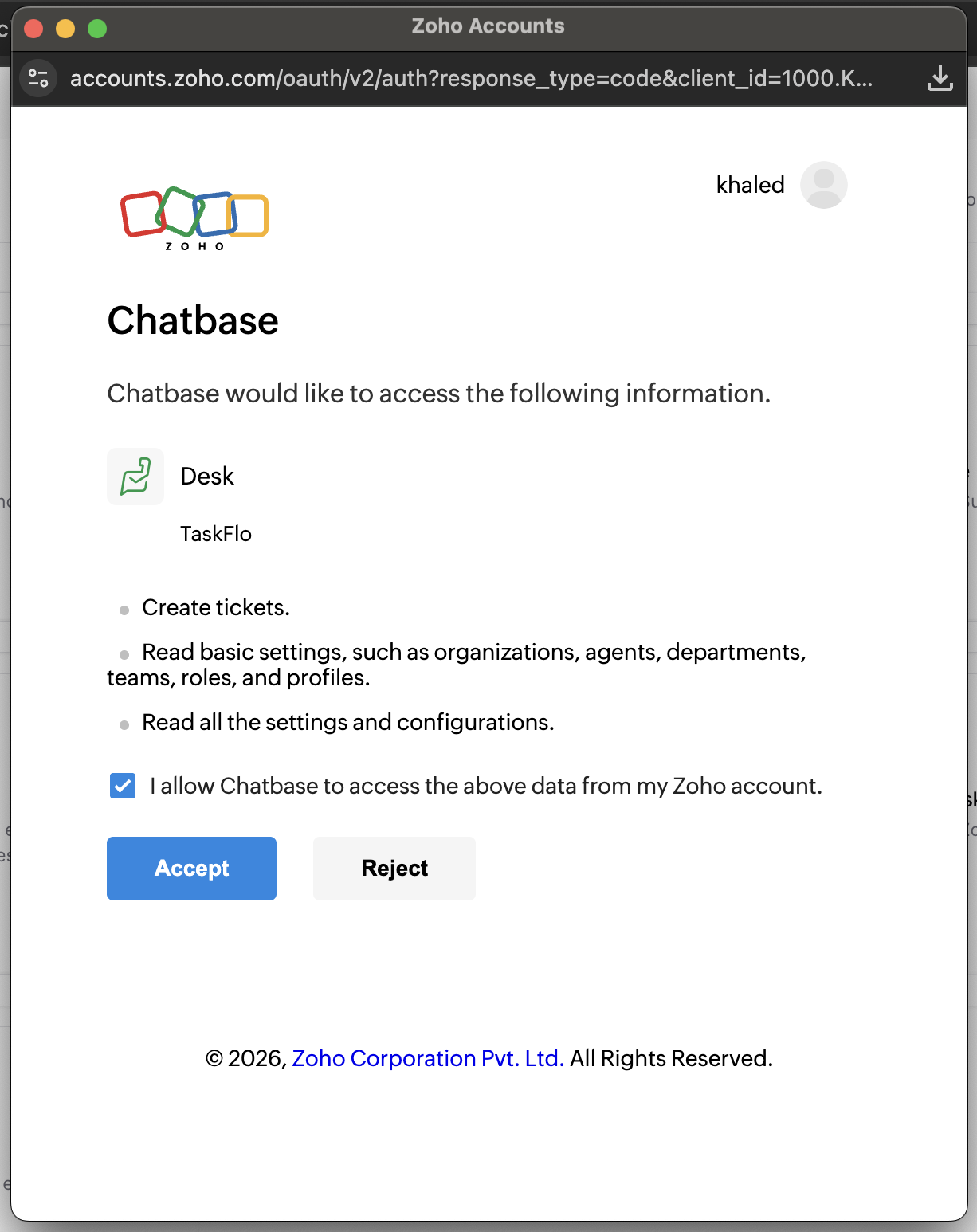
3
Create the Escalations Action
Configure your Escalations Action to route tickets to Zoho Desk. Follow the Escalations Action guide to set it up.
Test the integration by asking your AI agent to speak to a human, and confirm a ticket appears in Zoho Desk with the conversation summary attached.
Next steps
Escalations Action
Configure when your AI agent escalates, which details it collects first, and which channels it can escalate from.